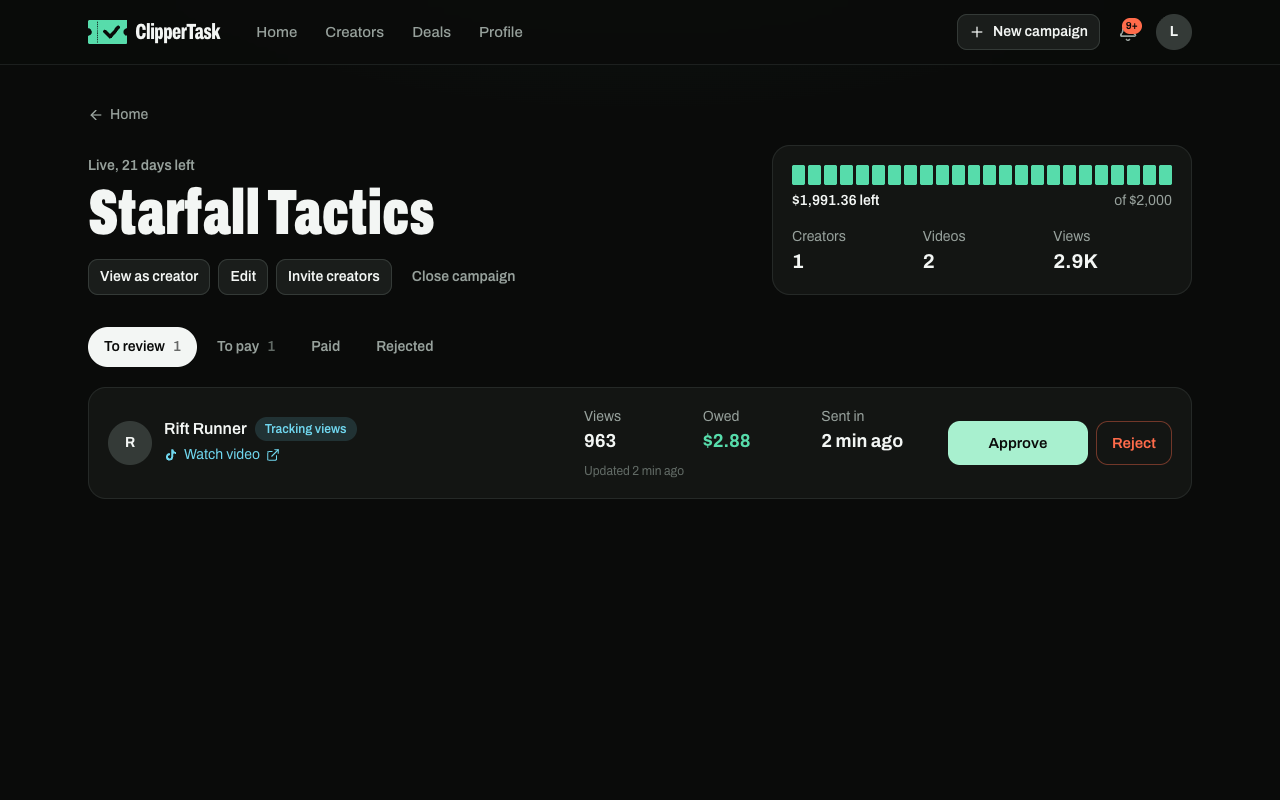
- Open the campaign from your home page. Videos waiting for you are under To review.
- Watch each video and press Approve or Reject. A rejection needs a reason, which the creator sees.
- Approved videos move to To pay, with what each one has earned so far.
- Pay the creator directly (PayPal, Wise, crypto or whatever the campaign says), then press I've paid $… on the video. The creator confirms when the money arrives.
- Rate the creator, 1 to 5.
Views keep counting after you approve, over each video's first 16 days. Earnings stop at the creator's max payout and when the pool runs out. Views that look bought don't count.