- Make the video the brief asks for and post it on one of the campaign's platforms.
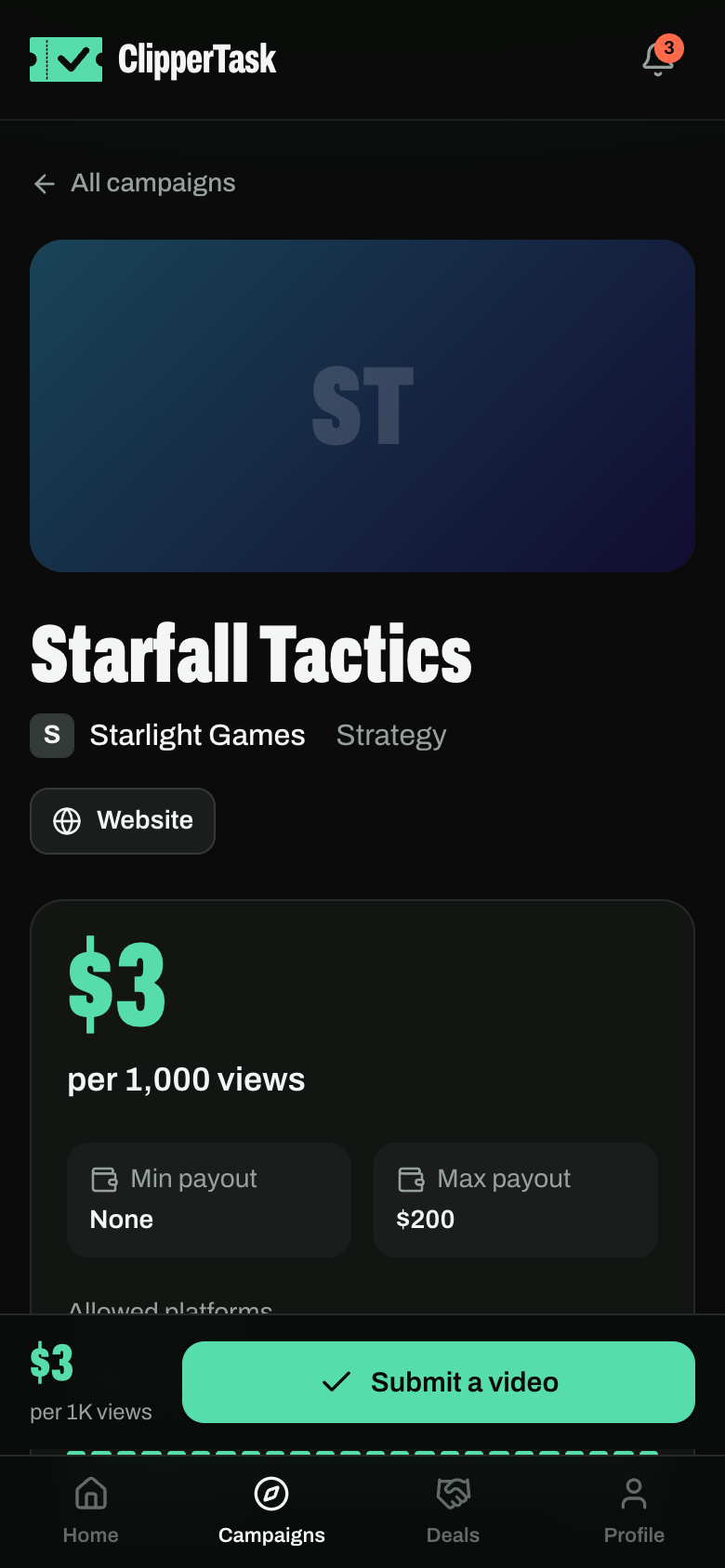
- Open the campaign and press Submit a video. Paste the link to the post.
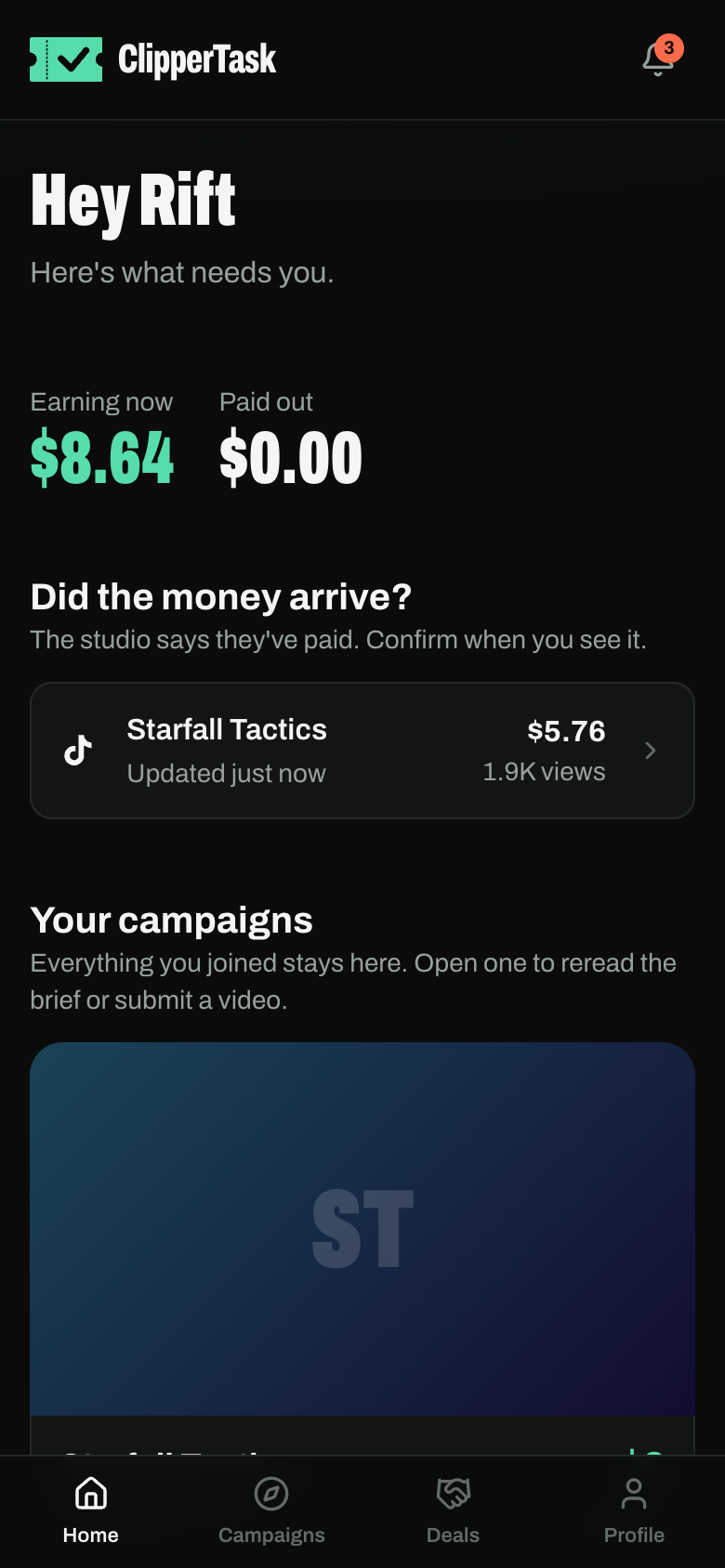
- We track the views for you over the video's first 16 days. Each number shows when it was last read.
Your home page shows what you're earning now, what's been paid out, and what needs you.
How earnings work
You earn the campaign's rate for every 1,000 views, up to its max payout per creator and only while its pool lasts. The studio reviews the video (the content, not you) and approves it or rejects it with a reason.
We check every video's views and audience. Views that look bought don't count.